Material batch apply
A downloadable plugin
Material Batch Apply
Apply materials to multiple MeshInstance3D nodes in seconds.
Material Batch Apply is a lightweight Godot editor plugin designed to simplify repetitive material workflows in 3D scenes.
Select multiple MeshInstance3D nodes, choose a material, and apply it to all selected meshes in a single action.
Features
Batch Material Application
Apply a material to multiple MeshInstance3D nodes at once.
Search
Quickly find mesh nodes by name, making large scenes easier to manage.
Selective Application
Choose exactly which nodes you want to modify.
Undo / Redo
Integrated with Godot's editor Undo/Redo system.
Material Override
Uses material_override without replacing the original surface materials.
Mobile Friendly
Simple workflow designed for both desktop and mobile Godot environments.
Supported Materials
Supports compatible Godot Material resources, including formats such as .tres and .res.
Standalone image and texture files such as .png, .jpg, .jpeg, and .webp cannot be applied directly as materials.
Material resources are supported. Standalone texture/image files are not.
Why Material Batch Apply?
Working with large 3D scenes often means assigning the same material repeatedly.
Material Batch Apply reduces that repetitive work and provides a faster way to manage materials across multiple mesh objects.
Select. Choose. Apply.
Requirements
- Godot 4.7.0
- Compatible Godot Material resources
- Scenes using
MeshInstance3D
Recommended For
- 3D environment development
- Level design
- Indie game development
- Large 3D scenes
- Projects with many mesh objects
- Repetitive material workflows
- Desktop and mobile Godot workflows
Workflow
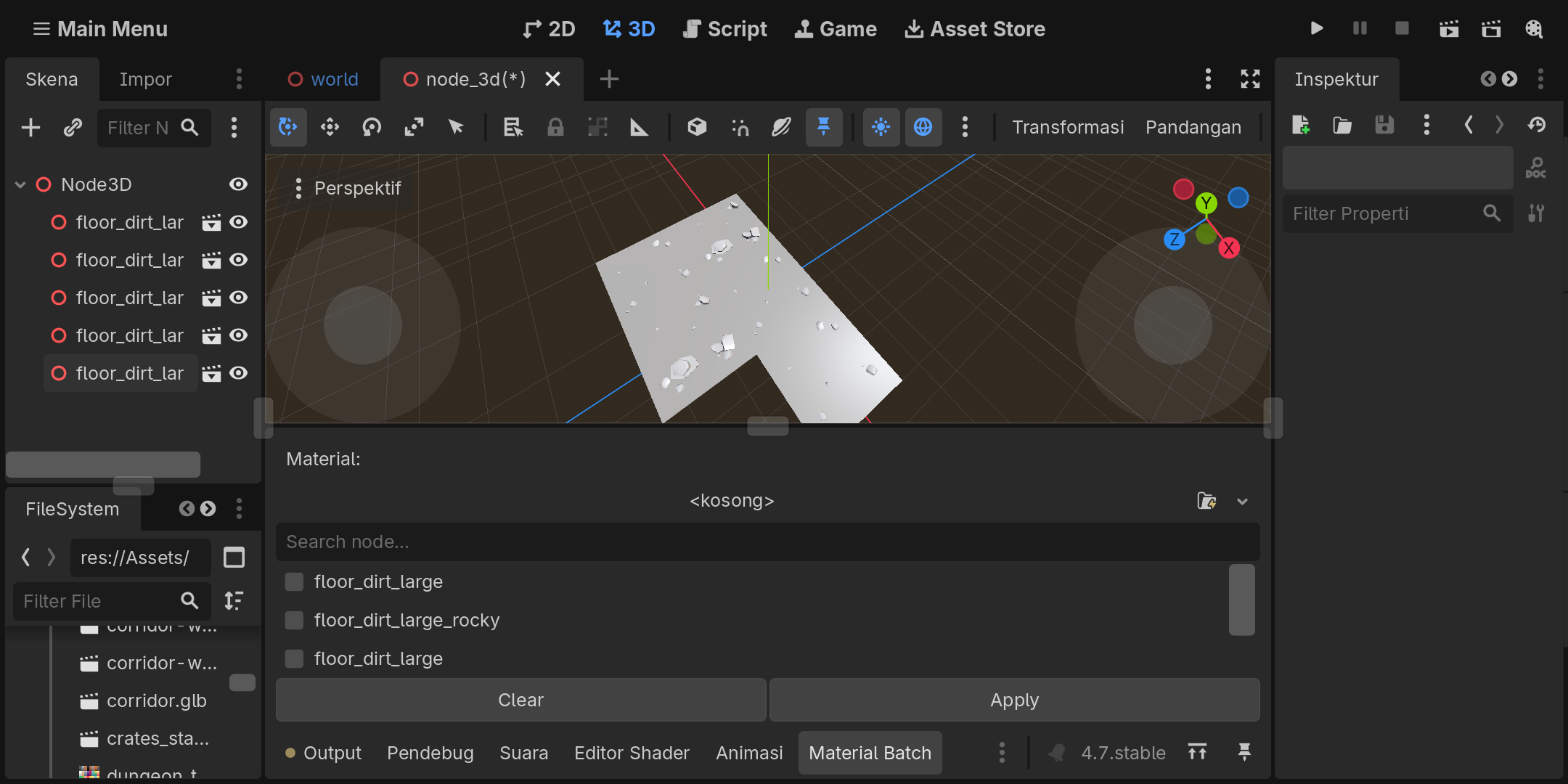
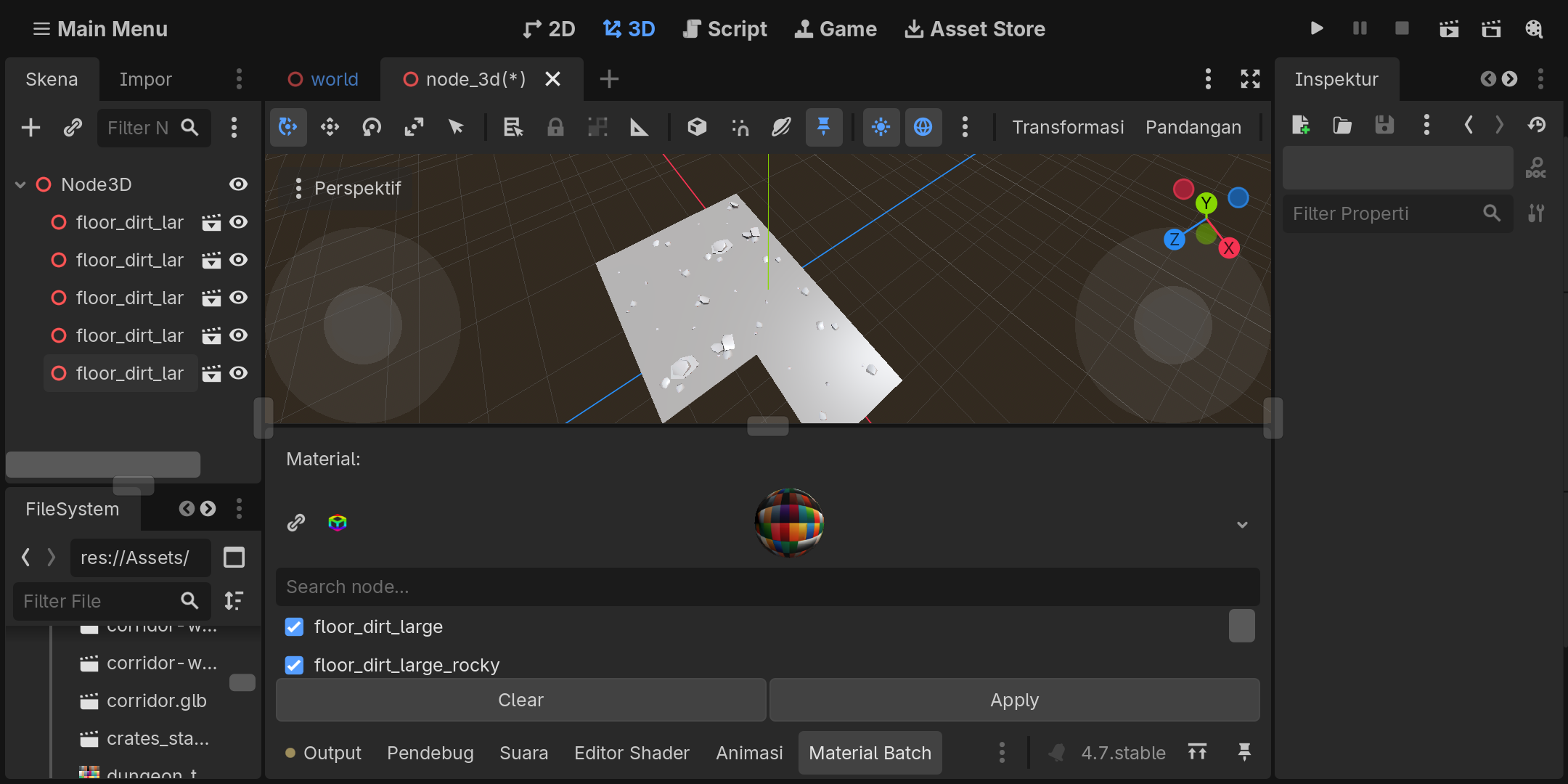
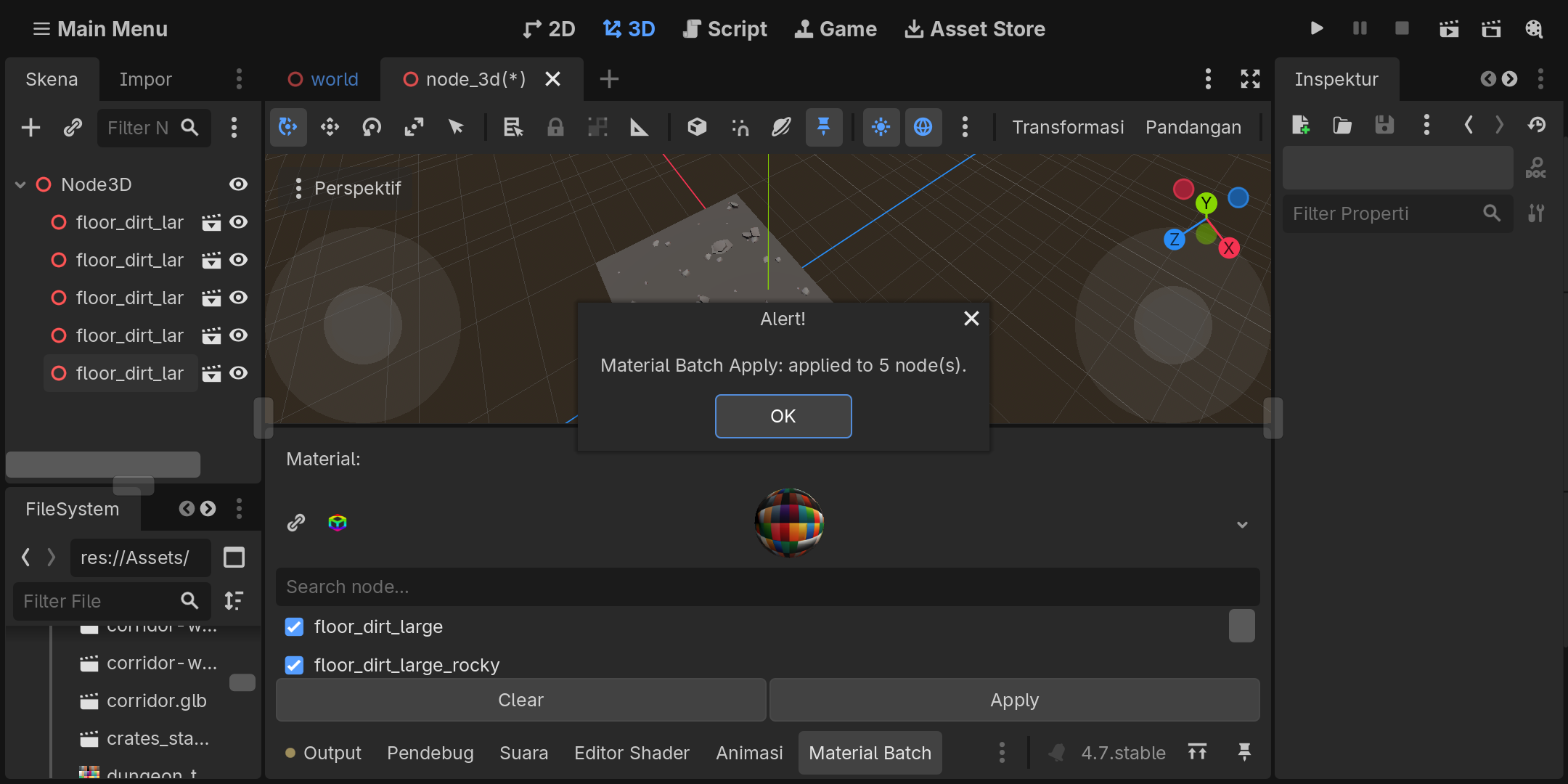
- Open the Material Batch Apply panel.
- Select a compatible Material resource.
- Search for or select the
MeshInstance3Dnodes you want to modify. - Click Apply.
- Use Godot's Undo/Redo system when needed.
Material Batch Apply
Less repetition. More time for development.
Download
Click download now to get access to the following files:
Leave a comment
Log in with itch.io to leave a comment.